RonFax Blog
How to Fax From a Computer Without a Phone Line (PDF, 2026)
RonFax Editorial · Online fax guides & destination research ·
Fax from your computer free of a modem or landline: upload a PDF on Windows 11 or Mac, dial any US/CA fax number, pay once. HIPAA-minded workflow—no subscription.
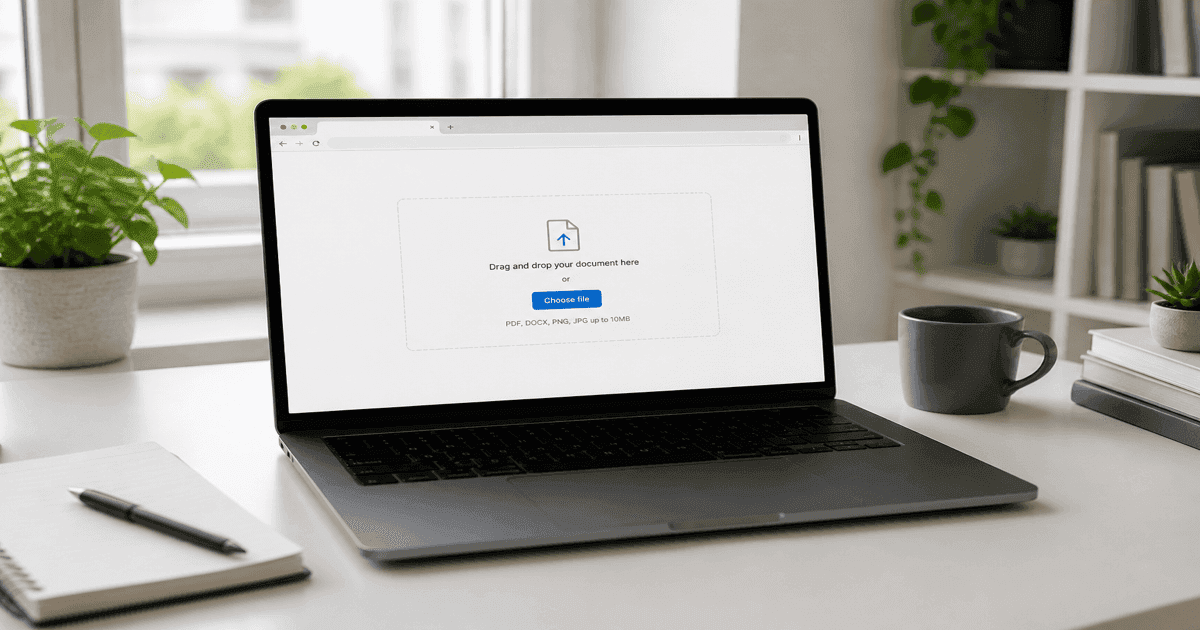
Quick answer: You can fax from a computer without a phone line—open any browser on Windows 11, Mac, or Chromebook, upload a PDF at ronfax.com, enter the 10-digit US or Canada fax number, and pay once. No modem, landline, or spare-room fax machine.
Laptops replaced phone jacks, but hospitals, insurers, and agencies still list fax numbers. You need a PDF, a browser, and an online send that dials their machine for you.
What you need
- A PDF (or clear photos exported to PDF)
- The 10-digit US or Canada fax number (confirm with the recipient)
- A modern browser on Windows 11, Mac, or Chromebook
- A card or wallet for one-time Stripe checkout
No fax modem, no phone line, no spare-room fax machine.
“Fax from computer free” — what’s realistic
Autocomplete often suggests fax from computer free or free online. Outbound fax still uses the telephone network, so “free forever” tools usually mean:
- Page caps or watermarks
- Ads on the recipient’s cover sheet
- Trials that roll into a monthly subscription
RonFax is built for one-off sends: $1.99 for up to 3 pages, $0.50 per extra page, no subscription. You see the total before you pay—closer to “send one fax” than locking into an app.
Steps on RonFax
1. Open the send form
Go to ronfax.com on Windows, Mac, or Chromebook.
2. Enter the fax number
Type the destination 10-digit number. RonFax formats for North American (+1) transmission.
3. Upload your PDF
Drag-and-drop or browse. Multi-image uploads merge into one fax job.
4. Review price & pay
Page count drives pricing—see the breakdown before checkout. An optional cover page adds one billed page.
5. Track delivery
After payment, open your status link to follow carrier progress.
Windows 11 vs Mac tips
Windows 11: File → Save As → PDF in Word, or Print → Microsoft Print to PDF.
Mac: File → Export as PDF in Preview or Pages.
Scanned stacks: Combine into one PDF so you pay for one send, not many.
HIPAA-minded fax from your computer
Searching fax from computer hipaa compliant usually means medical or insurance PDFs. Practical habits:
- Confirm the current fax number on the payer or clinic form—not an old bookmark
- Fax only the pages required (extra PHI still costs pages and widens exposure)
- Prefer a service that documents encryption and does not keep a long-term archive after delivery
RonFax encrypts files in transit and at rest while processing and purges under our zero-retention policy after success or final failure. For a full checklist, see fax medical & insurance forms from home.
vs printer-based fax
How to send a fax from printer assumes an all-in-one with a phone line. Most homes no longer have that jack. Online fax routes through RonFax instead—same recipient fax machine, zero toner. Related: fax from printer guide.
Related guides
Your computer already creates PDFs. RonFax finishes the last mile to their fax line—no phone line required.
Frequently asked questions
- Can I fax from my computer without a phone line?
- Yes. RonFax is browser-based: upload a PDF, enter the 10-digit US or Canada fax number, and pay once. No fax modem, landline, or printer fax jack required.
- Is there a free way to fax from a computer?
- Truly free outbound fax usually means ads, page caps, or a trial that becomes a subscription. RonFax is pay-as-you-go: $1.99 for up to 3 pages, $0.50 per extra page—no monthly plan.
- Does fax from computer work on Windows 11 and Mac?
- Yes. Any modern browser works. Save Office or Pages files as PDF, then upload at ronfax.com—same steps on Windows 11, Mac, or Chromebook.
- Is online fax from a computer HIPAA compliant?
- RonFax uses encryption in transit and at rest while processing, plus a zero-retention policy after delivery or final failure. Covered entities needing a BAA should contact us. Always follow your clinic or payer’s routing rules for PHI.
- Can I fax a Word document from my PC?
- Export or Save As PDF first, then upload. RonFax accepts PDF and common images (JPG/PNG).
Send from anywhere in the US
Ready to skip the store line? Fax your PDF in minutes—no hardware subscription.
Start Faxing Now - No Account Required